User Guide
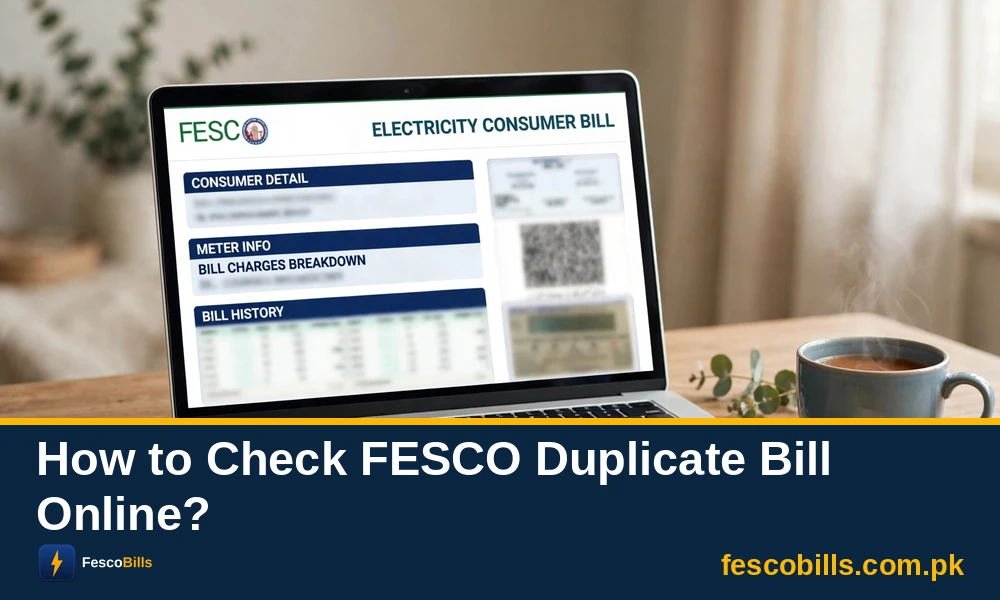
Welcome to FESCO Bills! We are happy to assist all FESCO consumers. This is the user guide for FESCO users. In this guide, you will learn how to check your FESCO bill, download a duplicate bill, or get the latest updates from FESCO.
So, learn about everything you should know as a FESCO consumer.
How to Check FESCO Bill Online?
This is a very easy method. You can do it from your mobile phone or laptop. Here are the details to follow.
- Go to our homepage.
- Enter your bill’s reference number or consumer ID.
- Get your duplicate bill on your screen.
How to Download FESCO Duplicate Bill Online?
Let’s find out how to download the duplicate bill online.
- Once you have checked your FESCO bill, you can click on the “Download” button.
- This will open a dialog to print the page.
- Now you can take a printout and get your bill.
How to Download a Bill as a PDF File?
If you don’t have a printer, you can simply download the PDF file.
- Go to our FESCO bill page.
- Now enter your bill’s 10-digit consumer ID.
- Get your bill on your mobile screen.
- Download the bill as a PDF or HTML page.
How to Calculate Your Electricity Bill?
You can use our FESCO bill calculator to calculate your electricity bill online. The calculator will help you get a close estimate of your latest bill payment. However, the exact amount can vary due to additional charges or taxes.
Need Help?
Still confused or need to ask questions? We are here to listen to every visitor. All you need to do is send an email to “omarkhanceo@gmail.com” and we will respond to your query. Our team is working hard to provide the convenience of checking the FESCO bill online. Our goal is to provide a simple yet complete platform from which FESCO consumers can get all the information that they need.